
Welcome to Moodle
A Learning Management System
With Moodle you can:
- Take web-enhanced, hybrid or online courses
- Experience learning activities, assessment, dialogue, and collaboration during and after class
- Work on special projects
Mozilla Firefox Web browser is recommended. The free download is available at http://www.mozilla.com/en-US/firefox/personal.html
The Moodle URL is http://moodle.nwhealth.edu (Note there is no “www” in the URL).
First-time users
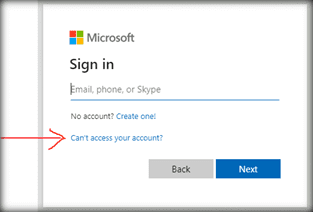
To log in:
- Go to http://moodle.nwhealth.edu
- Enter your username (your Groupwise email name) and initial password (123456)
- Click on Login
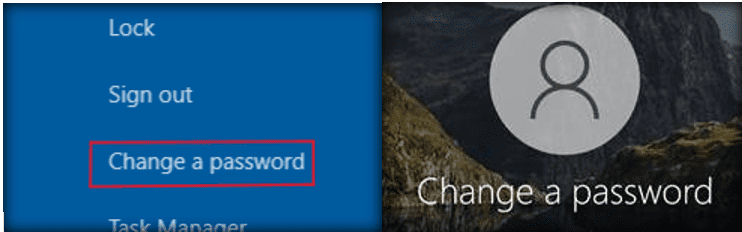
Change your password
For your first time using Moodle at Northwestern, you'll be prompted to change your initial password (123456).
- Enter your current password (123456)
- Enter new password
- Re-enter new password
- Click on Change password
- Click on Continue
Get to your Moodle course
Once your profile page appears click on the small Moodle.
On Northwestern’s Moodle main page, locate the My Courses block on the left. The course(s) you have access to will be located there. Click directly on the course name to get to the course homepage.
The box will not appear if you do not have access to any Moodle course pages. If you should have access to Moodle course pages but do not see the My courses box or a course that you are enrolled in does not appear or if you are having access issues, contact the Moodle Help Desk at moodle@nwhealth.edu or call the Help Desk at ext. 357.
Click on Moodle Technical Requirements in the Main Menu block for more information on other software you will need to use with Moodle.
For more information on Moodle
Once you're logged in, click on NWHSU Student Guide to Moodle.